IconBeast Web
The full editor and every platform preview. Three complete exports every day. No signup.
- ✓ macOS, iOS, Android, Windows
- ✓ No account
- ✓ Image stays in your browser
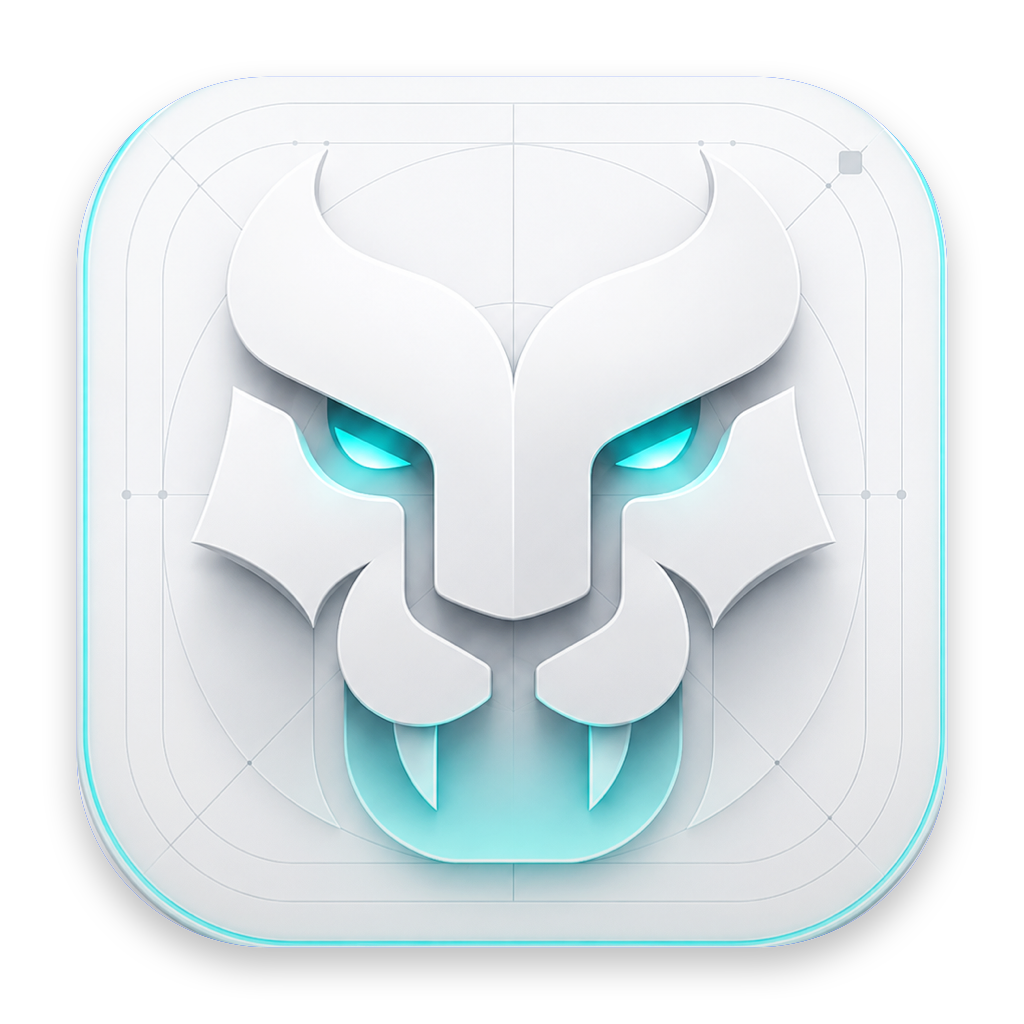 IconBeastFREE
Preview it in real system contexts, then export the correct folders, sizes and manifests in one click — no Photoshop and no size hunting.
Master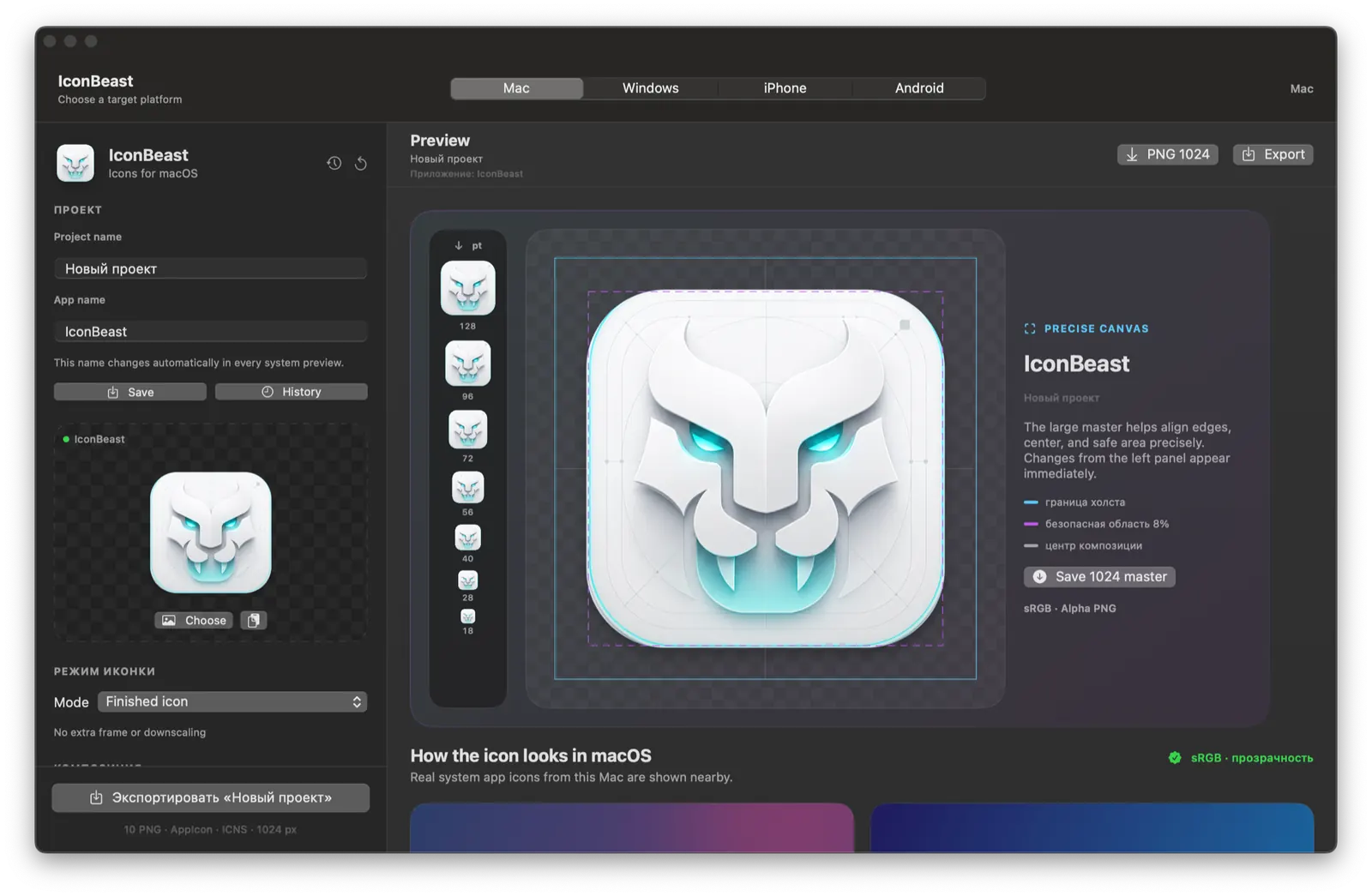
THE DESKTOP DIFFERENCE
Apply the current design to IconBeast itself and inspect it in the real Dock and Finder. Change the app label in the editor and every live system preview updates instantly.
1024 × 1024MAC · WINDOWS · IPHONE · ANDROID
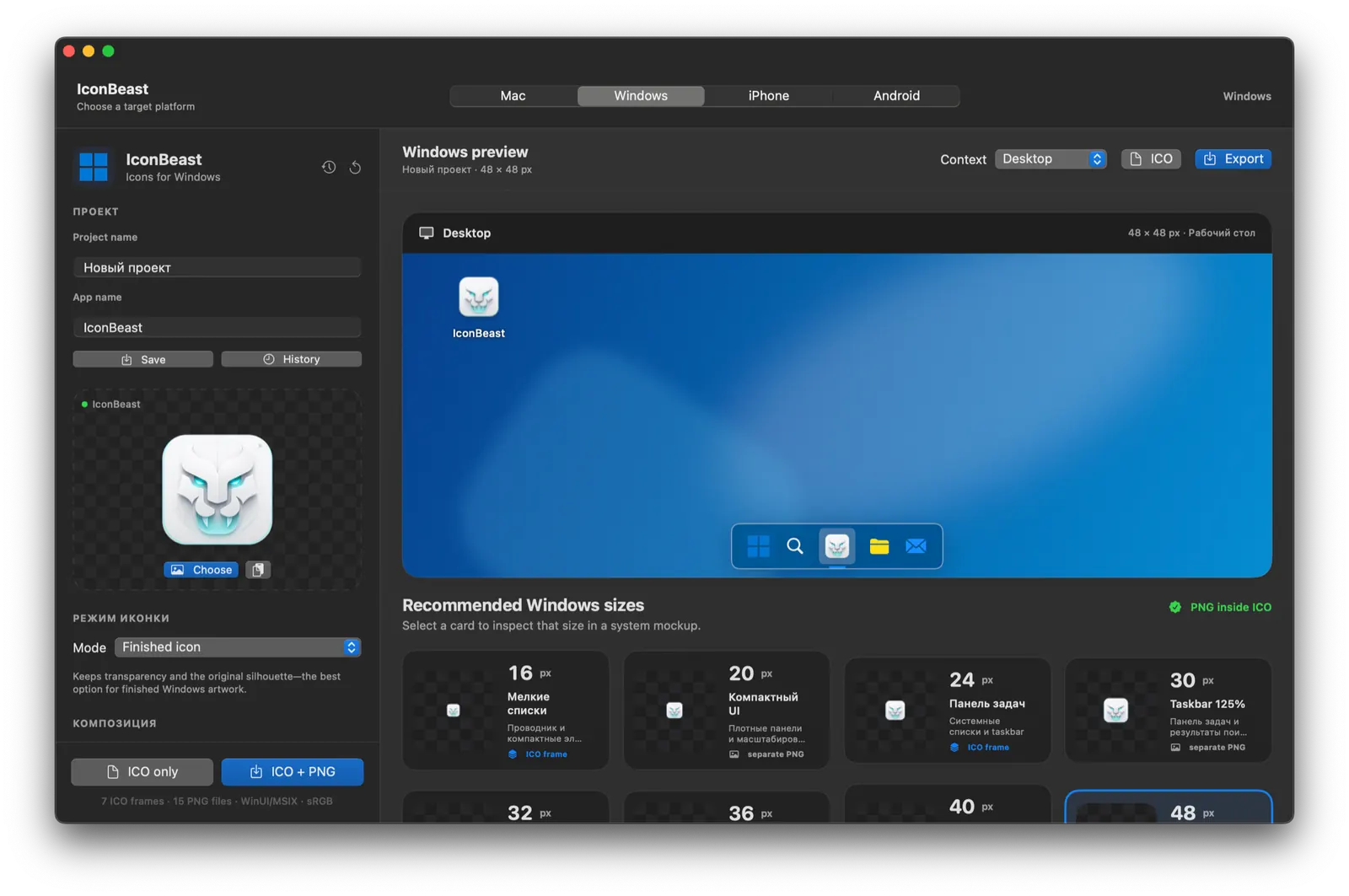
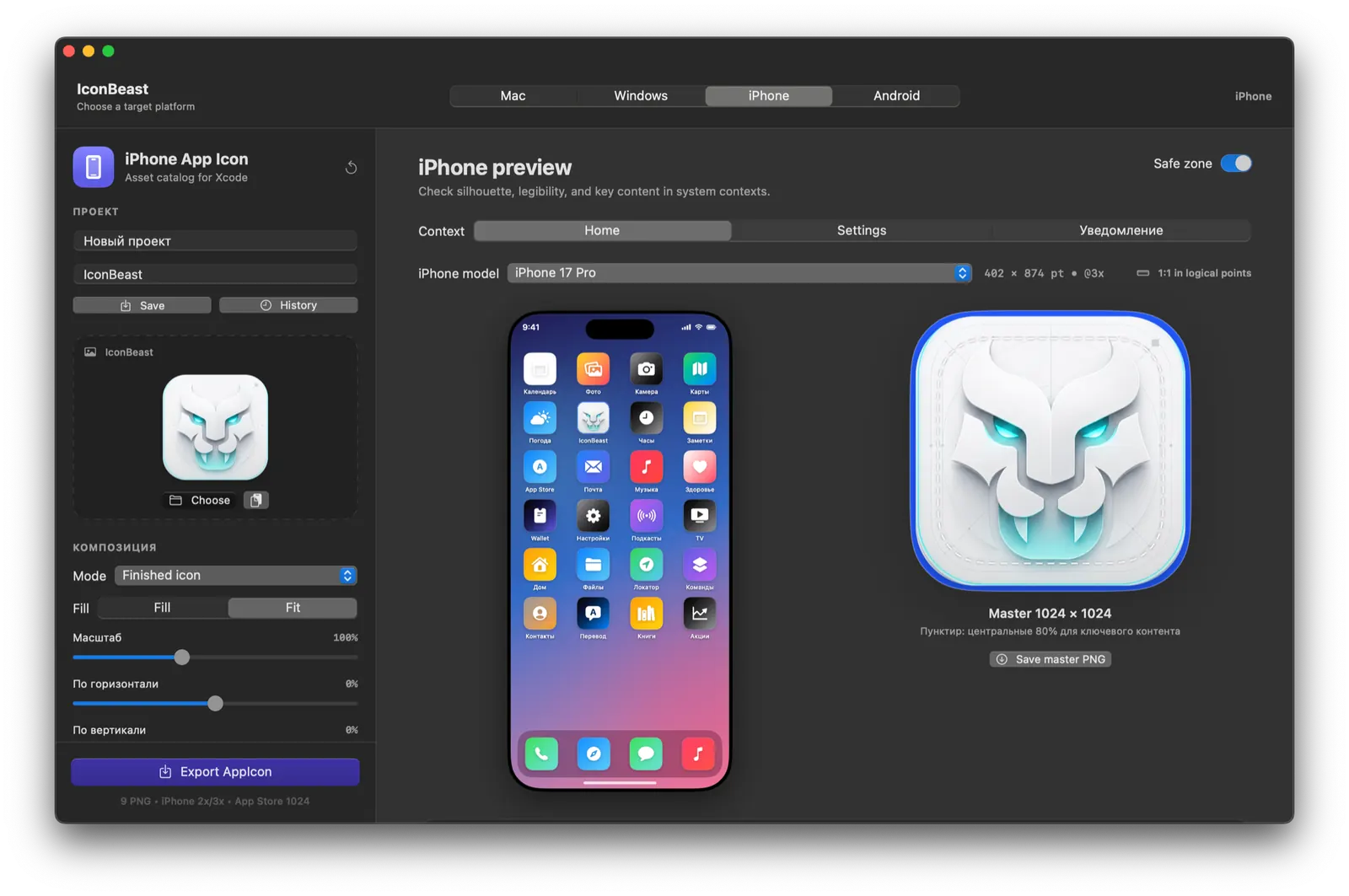
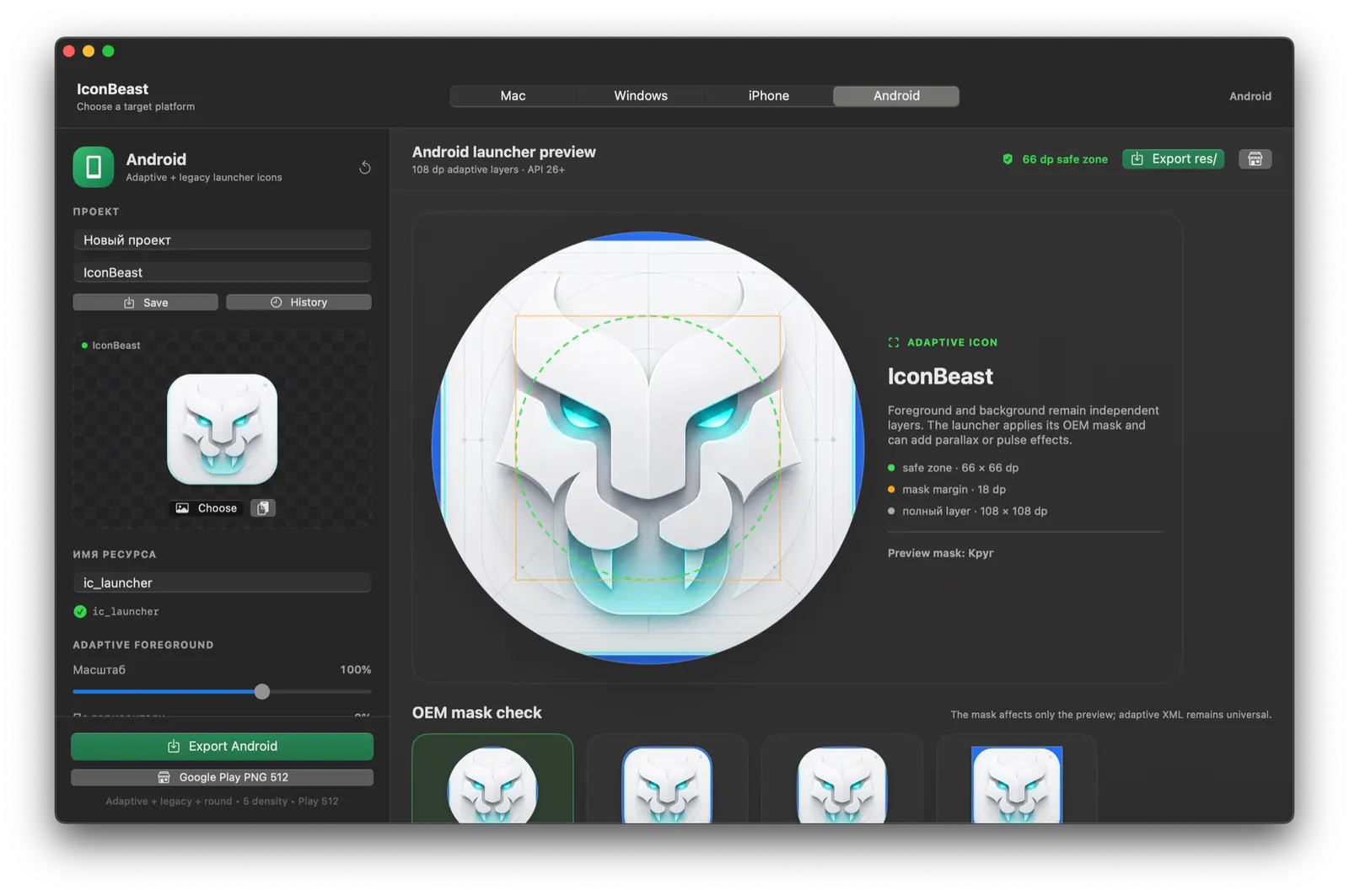
Every screen below is captured from the working app.
Switch platforms without rebuilding the icon. Each workspace exposes the preview and rules that matter on that system.READY FOR A REPOSITORY
Every export follows the platform structure. Drop it into your project or give the package to an AI coding agent — the files and manifests make the intended integration clear.
AI“Add this IconBeast package to my app and apply every platform icon.”Make an icon↗
▾ MyApp/
▾ Apple/
▾ iPhone/
◇ AppIcon.appiconset/
Contents.json
Icon-60@3x.png
▾ macOS/
◇ AppIcon.iconset/
AppIcon.icns
▾ Android/
◇ res/mipmap-xxxhdpi/
ic_launcher.png
▾ Windows/
MyApp.ico
✓ iconbeast-package.json
✓ README.md + CODEX.md
CHOOSE YOUR WORKFLOW
The full editor and every platform preview. Three complete exports every day. No signup.
Native previews, saved history and three successful exports included. The limit is handled inside the desktop app.
BUILT TO BE BORINGLY SAFE
Yes. No account is needed. Every IP address gets three complete export packages per UTC day.
Every web export is one complete package: iPhone AppIcon assets, macOS iconset and native ICNS, Android resources, Windows ICO and platform PNG sets.
You do not need one to edit, export, or download IconBeast Desktop.
Yes. The download needs no account and includes three successful exports; that limit is enforced inside the native app.
ICONBEAST
One master. Four platforms. Every important size.